Employee Affiliation (Entry Notice) to the IESS Online
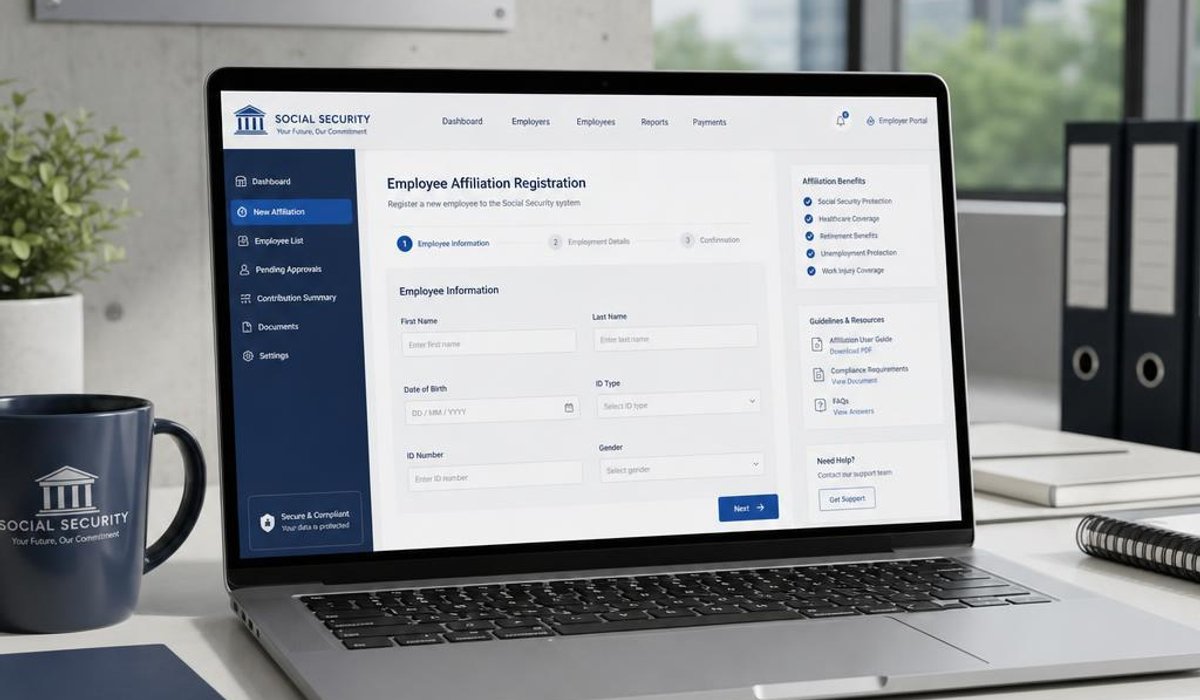
Clear IESS guide for employers to submit a worker's entry notice through the institutional website, including requirements, steps, deadlines, and without costly in-person procedures.
Requirements
The employer must have their ID number and access key to the IESS employers portal. If they do not yet have the key, they must request it through the respective form and go to a Universal Service Center for its delivery. When registering a foreign worker, the assignment of a foreign identification code is required, presented along with the contract and valid identity documents. (If the detail does not appear, confirm with the institution).
Steps
The procedure can be done online, without the need to go to offices, as long as an active key is held; if not, it must be requested in person.
Costs
Free. No costs are reported for submitting the online entry notice. (According to current regulations and online services section).
Deadlines
The employer has a maximum period of fifteen (15) days, counted from the first day of work, to submit the worker's entry notice through the IESS portal. Non-compliance may cause delays, sanctions, and affect the affiliate's benefits. (Social Security Law, Art. 73).
Frequently Asked Questions
See the specific “Frequently Asked Questions” section below.
Steps to carry out the entry notice
- Access the portal
Enter www.iess.gob.ec, select the Employers section, and then Entry and Exit Notice.
- Enter credentials
Enter ID number and employer password and press "Login.
- Register worker data
In the "Entry Notices" section, enter the worker's ID, required data such as date of entry, employment relationship, activity, salary, and address.
- Send notice
Add to the list, then click on "Send list" or "Send notice," check the confirmation alert, and press "Accept" to complete the registration.